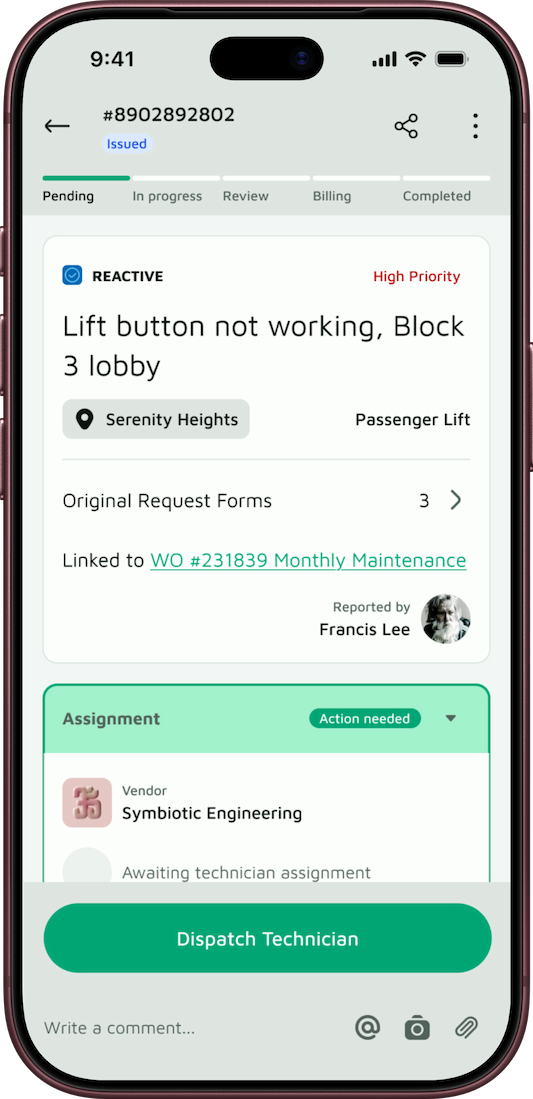
No repair request forgotten. No approval left waiting.
Residents report, managers assign, councils approve and vendors get paid, all in one app, with a reminder at every step until the job is closed and photo proof before anything is paid. Built for Singapore MCSTs, managing agents and building owners.
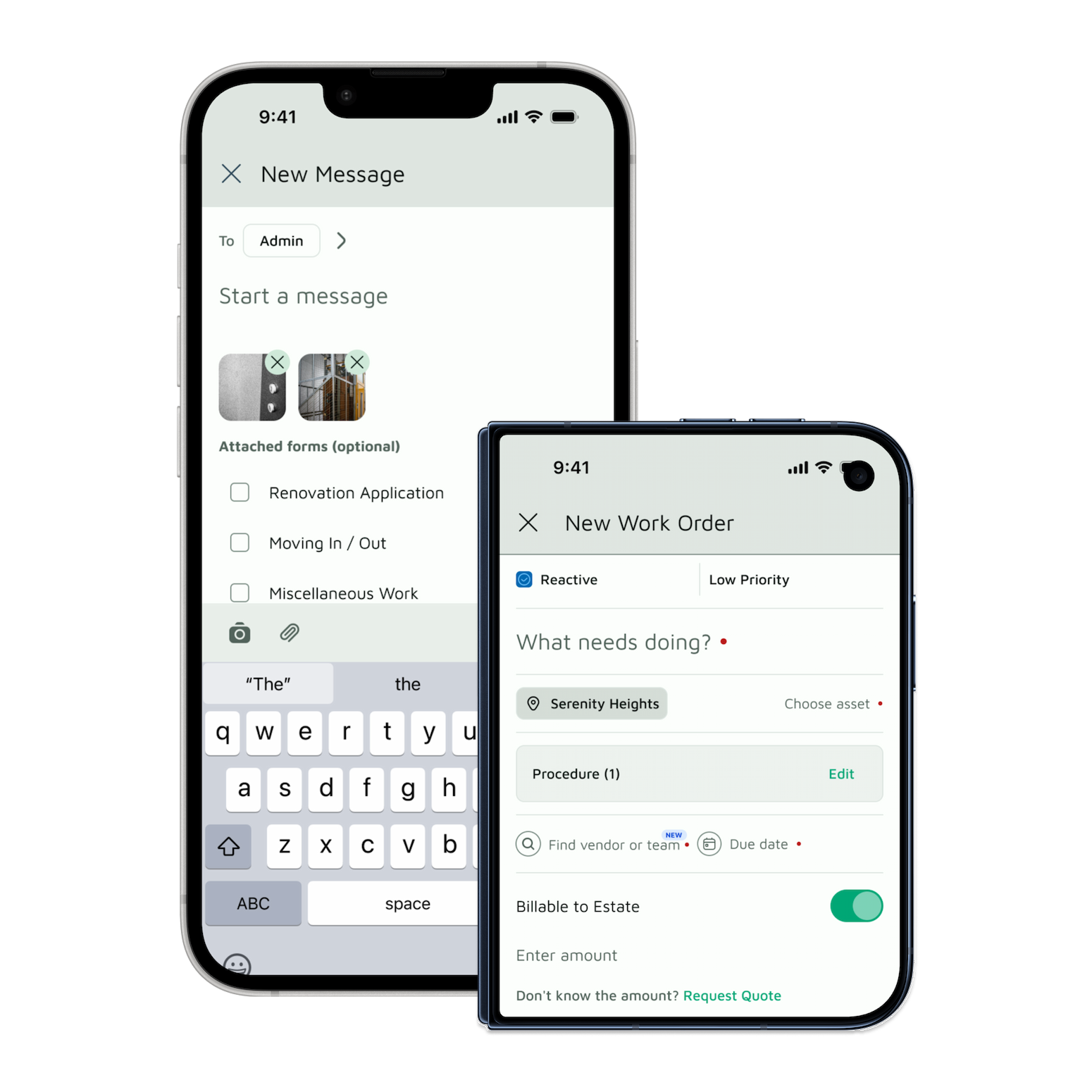
Every repair request in one place.
Faults get reported by email, by chat message or in passing, and then get lost when someone is busy or changes role. In Basementgrid, residents and staff submit requests in the app, and your manager turns each one into a work order with a status that anyone involved can check.
UNPRIORITISED REQUESTS
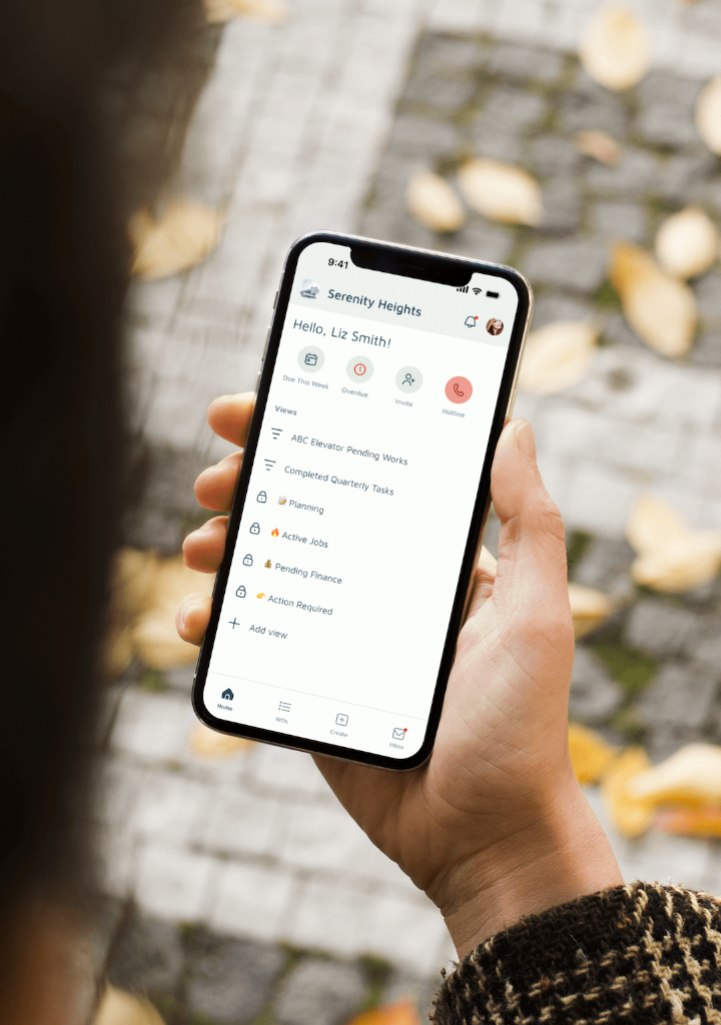
Every job has an owner and a due date.
A request with no owner tends to wait. Each work order carries a priority, an assignee and a due date, so urgent jobs stand out and managers can see at a glance what is due today and what is overdue.
DELAYED APPROVALS
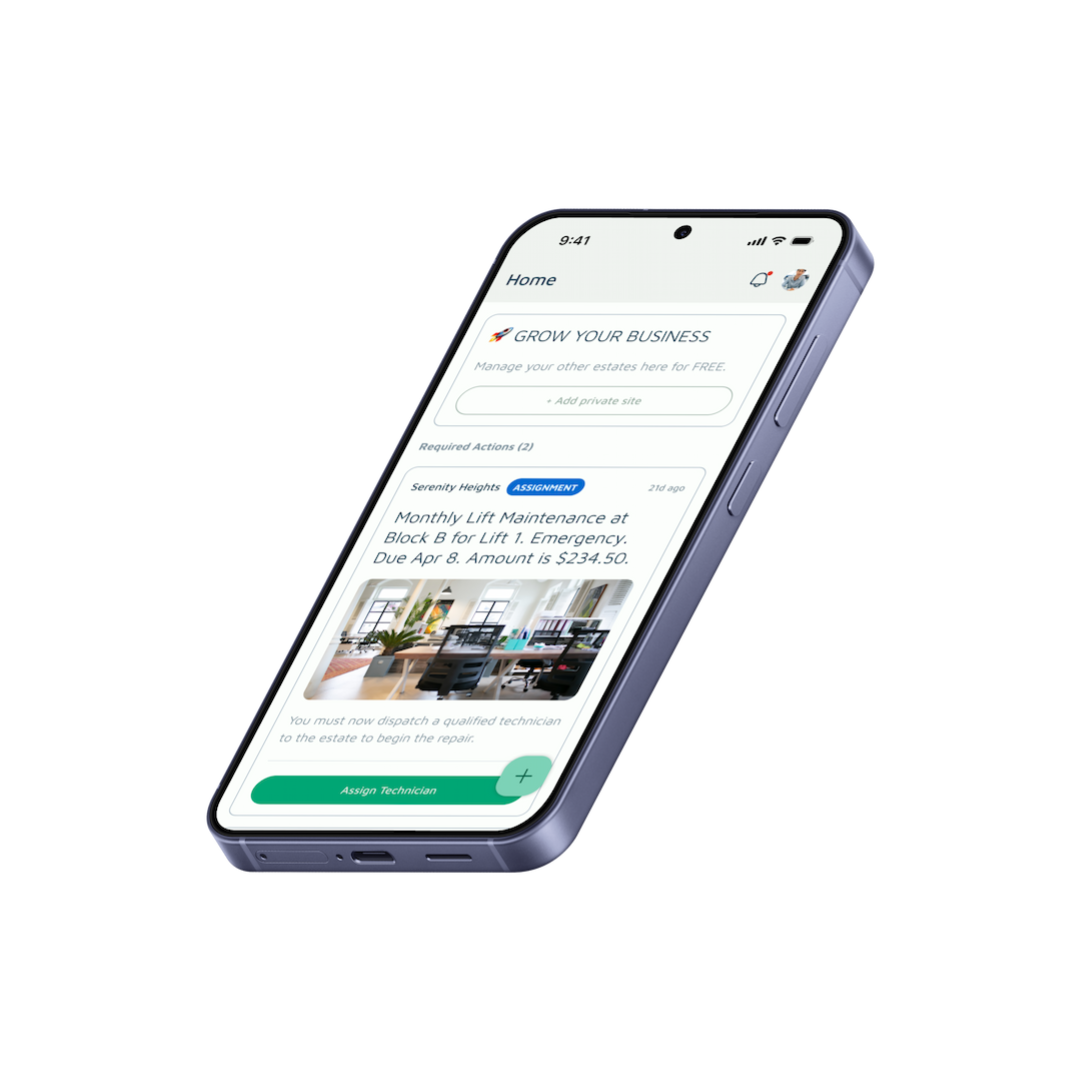
Approve in a few taps.
Council members are volunteers with other things to do. When a vendor submits a quote, anything above your approval threshold shows up as an action on the approver’s home screen, with the quote attached. Approve or decline in the app, and the decision is recorded with who approved it and when.
Everything an estate needs, in one place

What changes for each person
Full financial transparency, historical audit logs, and compliant, audit-ready records — so every decision is backed by documentation, not memory.

Get 10+ hours back every week.
Automate defect reporting and work order tracking that used to mean chasing vendors and updating spreadsheets by hand — so your week goes to managing estates, not managing paperwork.
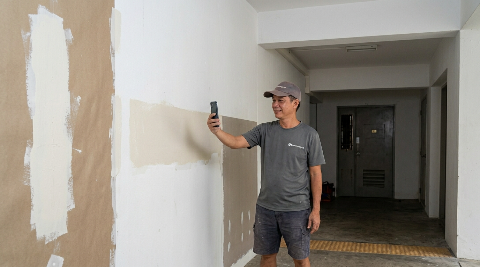
Uncle-proof. Point, shoot, get paid.
No training, no app confusion — just take a photo as proof of work and get paid via PayNow. If you can use a camera, you can use Basementgrid.
Built for compliance. Proven in practice.

PDPA
Data built around BMSMA compliance

100%
Data retention across every handover

3 Days
Average work order completion time
Trusted by Singapore companies





Frequently Asked Questions
Residents join your estate with a link or QR code and submit a work request from the app. Your manager sees every request in one list and turns it into a work order, so nothing depends on someone remembering an email or a conversation. The resident can follow the status without having to ask.
Every work order has a priority, an assignee and a due date. Managers see what is due today and what is overdue on their home screen, so urgent jobs are visible instead of buried in a message thread.
Your council sets approval thresholds in advance. Spending below the threshold doesn’t need to wait for a council decision. Above it, the vendor submits a quote in the app and it appears as a required action for your approvers, who accept or decline in the app. Every decision is recorded with who approved it and when. Approval authorises the work, and the payment itself is still made by your approver through your bank app once the job is verified.
Every job has a GPS-verified clock-in and a completion record. The technician takes photos on site using the camera only, so nothing can be uploaded from the phone’s gallery, and adds a short work summary. Your building manager or MA reviews it in the app before the job is closed. By the time the payment reaches your approver, the photos, summary and timestamps are on the same work order, so they can check the evidence before they pay.
Nothing is lost. Asset history, work orders and payment records belong to your estate’s workspace, not to the MA or any individual. A new MA or manager sees the full history from day one.
MCST councils, managing agents, building managers, REITs and commercial owners, and the vendors who maintain their buildings. Everyone works from the same record of work orders, asset history and vendor payments, with GPS and timestamped photo proof before any job is marked complete.
Start with your next repair request.
Set up a workspace in about 3 minutes, add your approval threshold, and run one work order from report to payment with your existing vendor. Free to start, and vendors never pay.
Built around PDPA and BMSMA · Pay vendors by PayNow from your own bank app